
1
Find
Open clear official-source links.
Free tools for the public. Fill PDF forms, type on lines, sign, review, and export a clean copy.
Add text, signatures, and clean exports.
See official destinations before you leave.
Know where your paperwork is handled.
Open a PDF and work through it step by step. The editor helps with fields, lines, signatures, review, and export.
 OpenFillTextSignReviewExportExport PDF
PAGES
APPLICATION FORM
PERSONAL INFORMATION
SIGNATURE
GUIDED REVIEW
Detected fields
4 ready
Detected fill lines
3 available
Added content
2 items
Start with a source or file. Leave with a clean copy.
Open clear official-source links.
Use fields, lines, text, and signatures.
Check the copy before you export.
Print, download, or share when ready.
Papr Tools keeps the important notes easy to find, so people can use the tools with confidence.
The browser tools are available without an account.
Papr Tools explains when work happens in your browser, on your device, or outside Papr Tools.
Papr Tools points to official websites but is not a government agency.
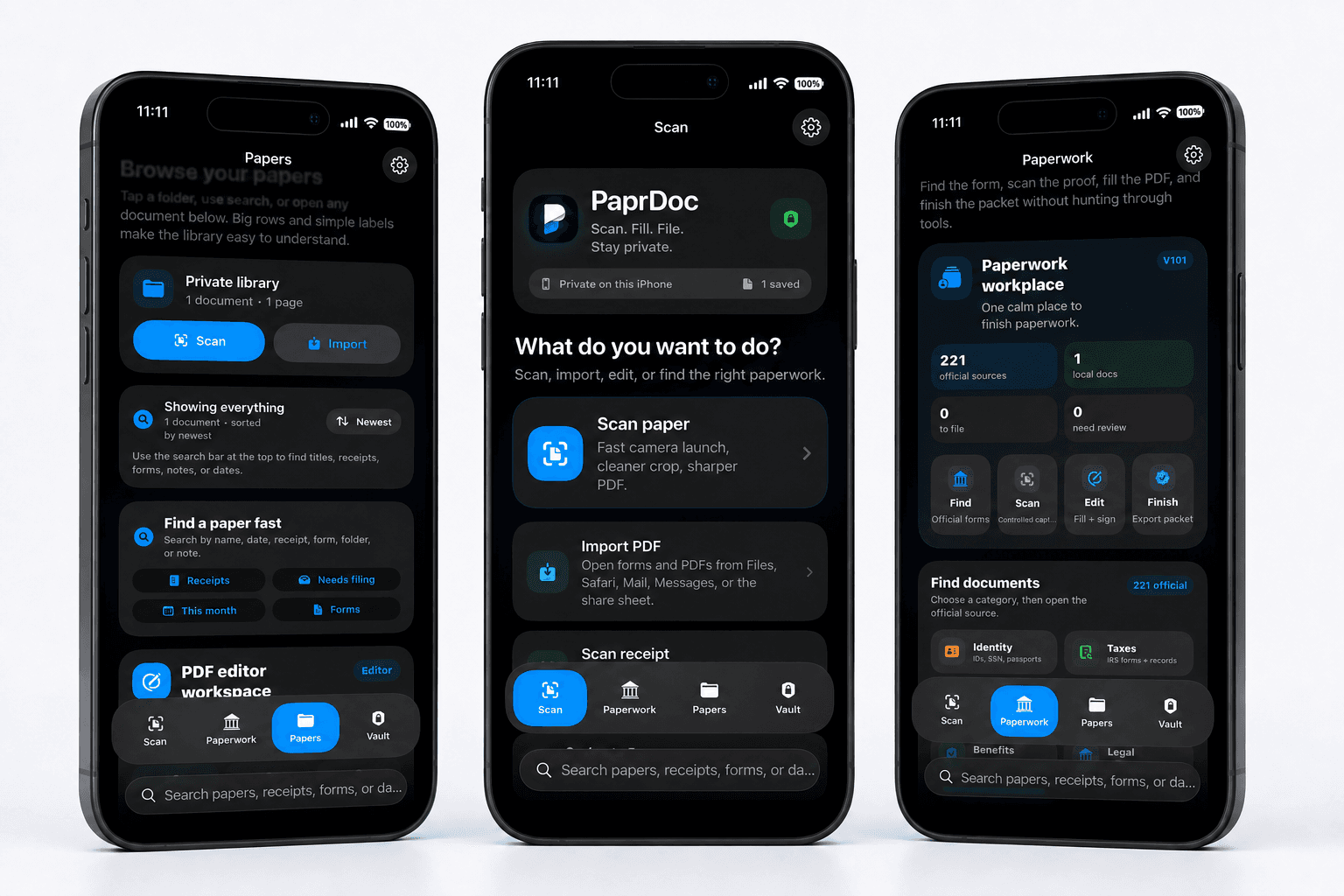
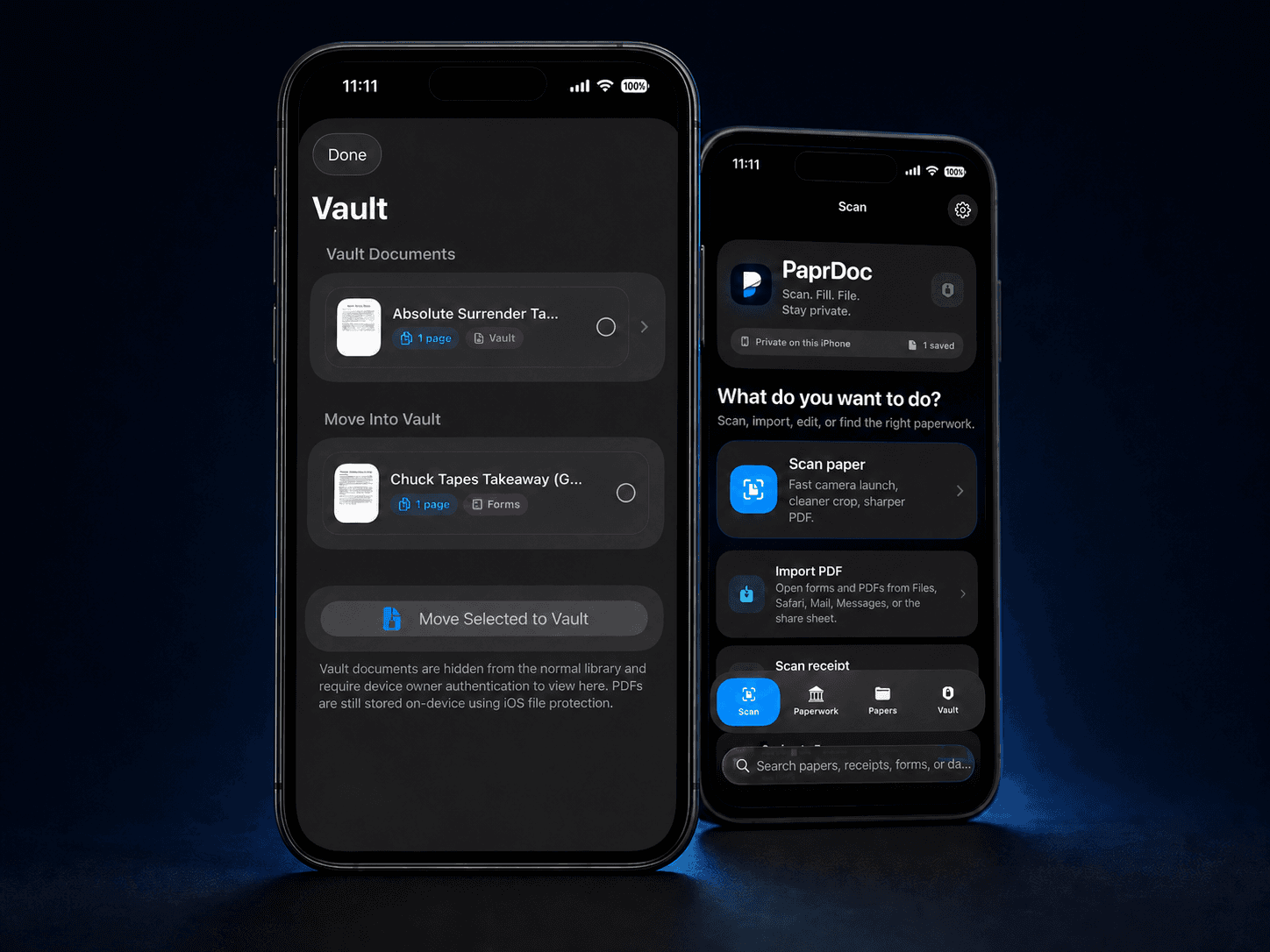
The web tools help finish PDFs. The iPhone app helps scan, organize, and keep private documents separate.
Short answers before you start.
Yes. The browser tools are free to use and do not require an account.
The current tools open and prepare files in your browser session.
No. Papr Tools helps you prepare a copy. You choose where it goes.
No. Papr Tools is independent software.