
Browser PDF tools
PDFs are opened and prepared in your browser session.
Last reviewed July 11, 2026
Papr Tools makes it clear when paperwork is handled in your browser, in the iPhone app, or outside Papr Tools.
No tool is risk-free. Papr Tools keeps the important boundaries visible so people can make careful choices.
PDFs are opened and prepared in your browser session.
The web PDF tools are free to use without signing in.
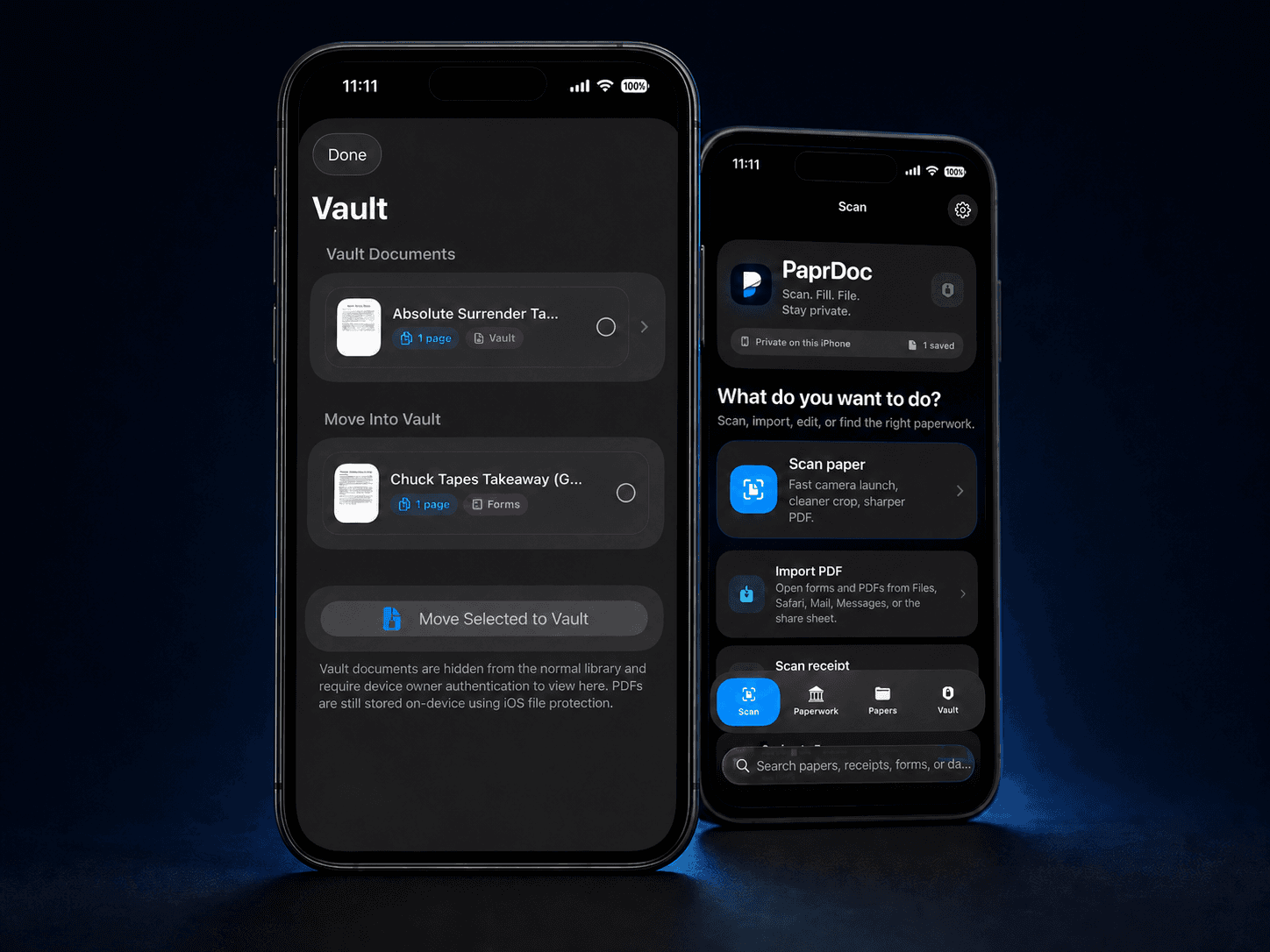
The app keeps documents in its app container. Device settings still matter.
Vault can require Face ID, Touch ID, or passcode.
Copies are made only when you print, download, or share.
The site uses security headers to reduce common web risks.
Different parts of Papr Tools have different boundaries.
Papr Tools does not submit forms to an agency or decide eligibility. You choose every destination.
Agencies, schools, employers, courts, and other recipients control their own requirements.
Papr Tools is not a law firm, tax preparer, medical provider, financial adviser, or government filing service.
Use a private device for sensitive files. Keep your browser and phone updated. Review every export destination.